San Francisco,
slowly.
Building a city I could leave on my television.
01 / A sense of place
A screensaver that feels
like somewhere.
I wanted a San Francisco version of the feeling Roku City captures so well: a scene that keeps going, full of Easter eggs, with enough happening that you can always discover something new. My TV was already becoming a canvas for local information. Now I wanted to give it a neighborhood.
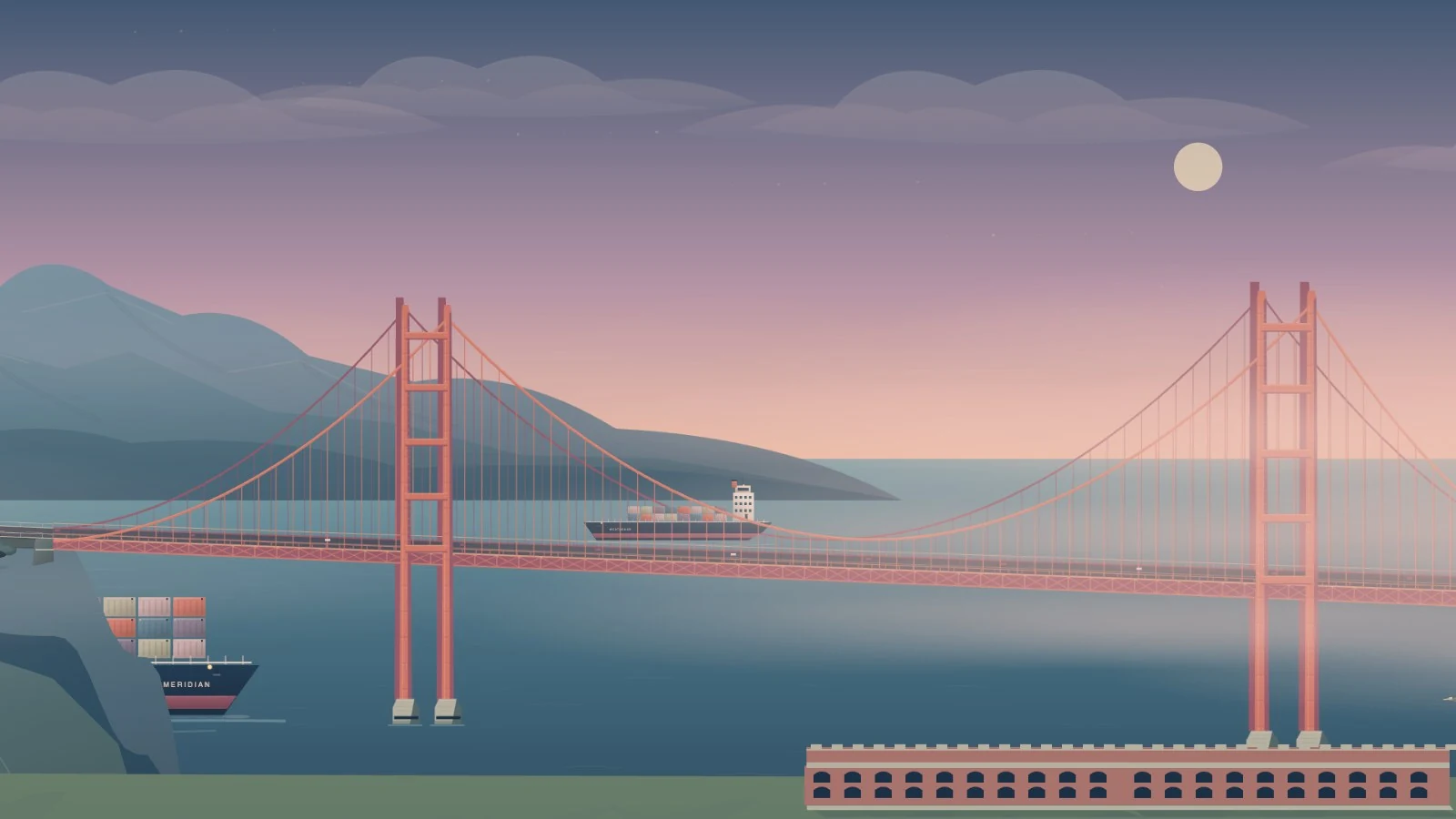
The first attempt had the right inventory and the wrong city. There were bridges, Victorian houses, ships, birds, fog, and Sutro Baths. But my bridge was floating between layers and my ships were sailing across land.
A scene I could run locally in the browser made it easy to iterate with the coding agent. I'd send screenshots and instructions about specific elements, then see the changes in the next version. I could move through the scene, spot a bad join, and work on it without sending every revision to the TV.
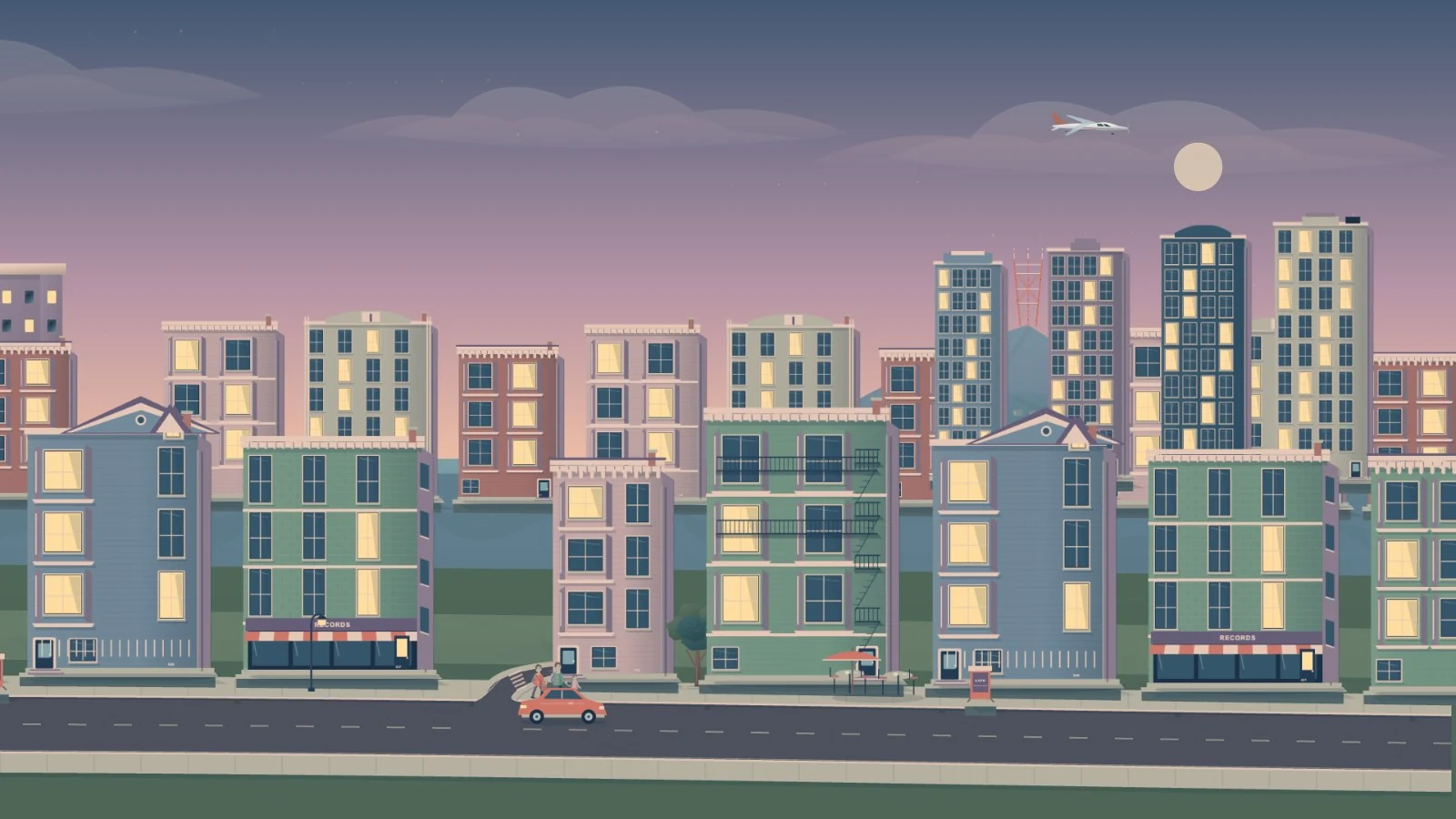
The result is a long, deliberately compressed collage of twelve neighborhoods. It moves through the Golden Gate, the Marina, North Beach, the Embarcadero, the Bay Bridge, Alamo Square, Divisadero, the park, the Sunset, Ocean Beach, Lands End, and the Presidio. It borrows the city's familiar shapes and arranges them for a continuous view.
02 / Depth & motion
The hard part was
what goes behind what.
To give the scene depth, we arranged it in layers that scroll at different speeds. Distant hills move more slowly than buildings, while foreground trees pass faster. That difference is parallax: nearby things appear to move across your view faster than things farther away, as they do when you look out a train window.
The layers still need to agree about where things belong. We made terrain continuous and shaped the streets to follow it. Bridge approaches meet their decks at the same height and slope. The shoreline hides ships as they pass behind land, and separate front and rear bridge structures let a vessel pass behind one part and in front of another. As things overlap and move out of view, those relationships give you a consistent sense of distance. Another window or texture won't fix a ship sailing over a hill.
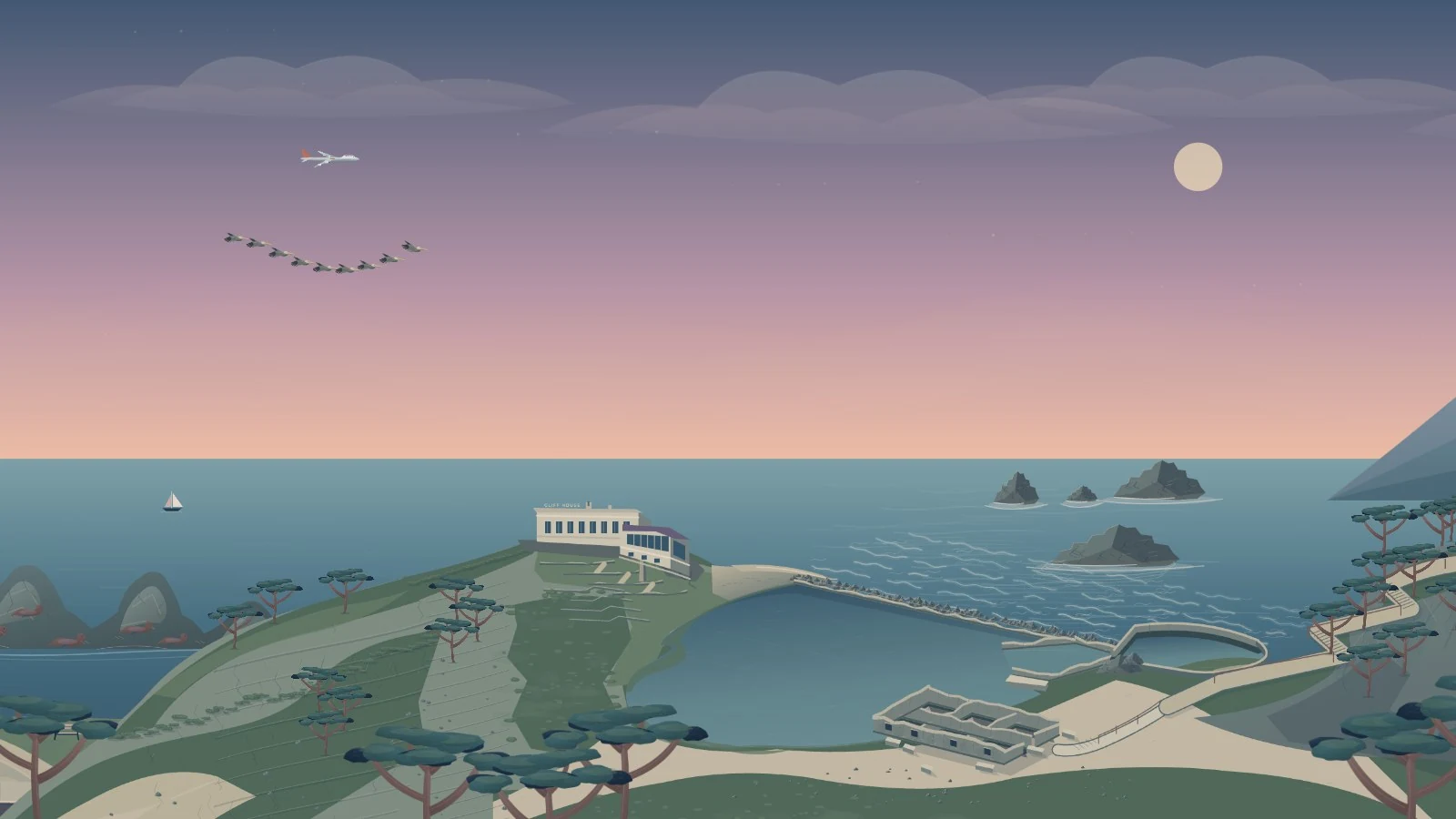
Sutro Baths needed a particularly close pass. Four generic rectangles didn't read as the ruins. The pools, broken walls, ocean edge, and trail needed to work as one coastal site. I wanted to recognize the place from above, looking out toward the Pacific. We kept the trail and replaced a fade that was hiding an unfinished join with solid coastal approaches. Adding a piece, scrolling past it, and seeing whether it belonged turned out to be half the fun.
Movement needed rules, too.
Once the scenery started to hold together, the movement became harder to ignore. My birds were arranged in an arc, but the formation itself barely rose or fell. I wanted the pelicans to stay in line while sweeping up and down over the ocean, with the gulls following looser individual paths. We kept the staggered wingbeats and gave the birds their own rising and falling trajectories. Windmill sails got a slow rotation, and ships could travel in either direction while keeping their proportions and their hull lettering readable.
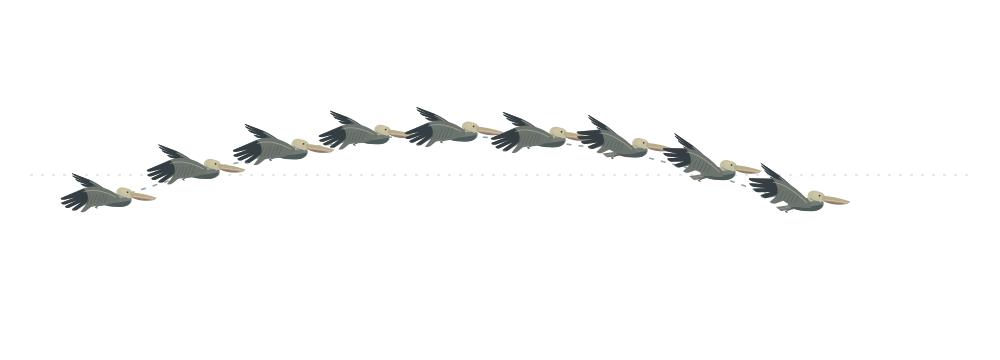
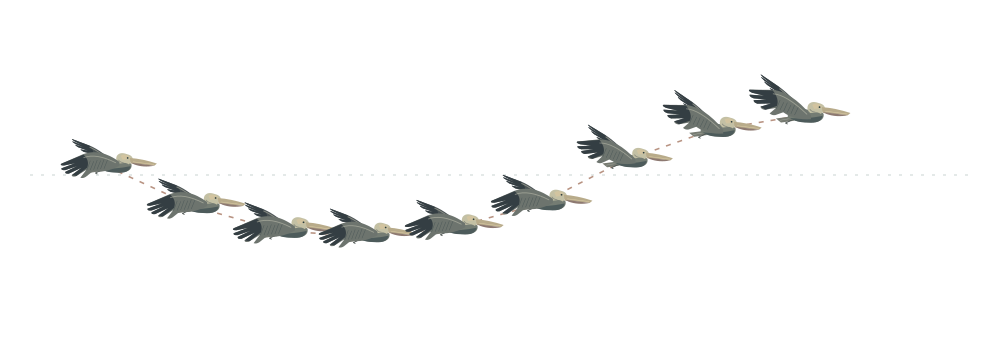
Moving objects also needed rules for entering, leaving, and starting again. Each one begins a pass as it enters view, finishes beyond the edge, and resets only when both the full object and its starting position are out of sight. A pylon hiding part of a ship shouldn't restart its journey. This made editing more complicated: moving the camera, pausing, and changing a route all had to preserve the object's place in its trip. But it removed the distracting jumps and sudden turnarounds. A ship can make another pass without visibly snapping back to where it started.
That much control also led to editor bloat. One pattern I kept noticing with newer coding models was their tendency to build the universe in which the thing I'd asked for could exist. I wanted a scrolling city; I ended up working on an editor with layers, multi-selection, duplication, an object library, and separate controls for appearance and motion. Each capability solved a real problem, but together they made the interface complicated enough that simplifying the editor became its own project.
The controls became useful once they were easier to reach. Adding a piece selects the layer it belongs to. I can flip a ship's artwork without reversing its route, or duplicate a group of buildings without moving each one separately. Fog was especially expressive. By duplicating veils, changing their size and opacity, and placing them at different depths, I could build a bank rolling through the park, leave a thinner layer over the water, and keep the foreground clear. Weather became something I could arrange across the scene, with as much attention as the buildings.
03 / On the television
One scene.
A different budget.
A browser preview on a laptop doesn't mean the same picture will run well on a television. Earlier Home experiments had already established that. Reconstructing a browser design separately in the TV's native interface introduced visual differences. For the city, we kept a portable scene description, the original artwork, and shared code for geometry and motion.
The installed player is a Tizen web app. It converts detailed artwork into images the TV can draw efficiently, loads nearby pieces, caches terrain and bridge geometry, and keeps one lighting palette in memory at a time.
We also had to stop treating resolution as free. Larger render targets reduced the shimmer around slowly moving buildings, but made the editor sluggish. Sharper building textures and a limit on render resolution were a better compromise. On my 2022 Frame running Tizen 6.5, the player renders at 1600 × 900 and scales to the screen, adjusting its frame rate to the work in view.
Rapid travel is useful for inspecting the scene, though it makes loading delays and frame drops easier to see. The slower pace works better for leaving the city on the TV, and the speed controls let me move quickly to something I want to show someone.
A few buttons, no menus.
A tile in the information panel on my custom Home screen launches the city. Left and Right move through speeds from reverse 30× to forward 30×. Up and Down change the light. Center pauses; Back returns. Reversing the camera leaves the ships and birds following their original paths, so I can travel back through the city while life keeps moving around me.
The public package includes the standalone app and SDK installation instructions. The custom Home integration is specific to my setup; automatic idle launch and Samsung Art Mode behavior still need separate work.
04 / Keeping it editable
Export a scene.
Keep the last good one.
I wanted the next edit to be routine. The updater takes an exported JSON file, validates it, renders views for review, checks the playback controls, and signs a versioned app package. After a final prompt, it installs the update and retains the previous scene and package. Rolling back a scene rebuilds the earlier export with a new app version. The renderer stays at its current version.
- 01ExportPortable scene JSON
- 02ReviewRender & validate
- 03SignYour local profile
- 04InstallKeep the previous scene
python3 city.py update "/path/to/export.scene.json"The repository contains the editor, artwork, composition, renderer, and update tools. Signing keys, TV addresses, device identifiers, private management tools, and signed packages stay local. The city itself runs without network requests. Its boats and aircraft are decorative, with no live tracking feed to maintain.
What I like most is that it's still an editable place. I can add another block, change the weather over the park, or put a bird somewhere that makes me smile. Getting it onto the TV gave me a reason to build it. Being able to keep changing it is what makes me want to come back.
Explore the project ↗